Hurry! Become a member today and save 20%!
2026-04-06 | The Zoo
Download Tickets to your Samsung Wallet
Share the post
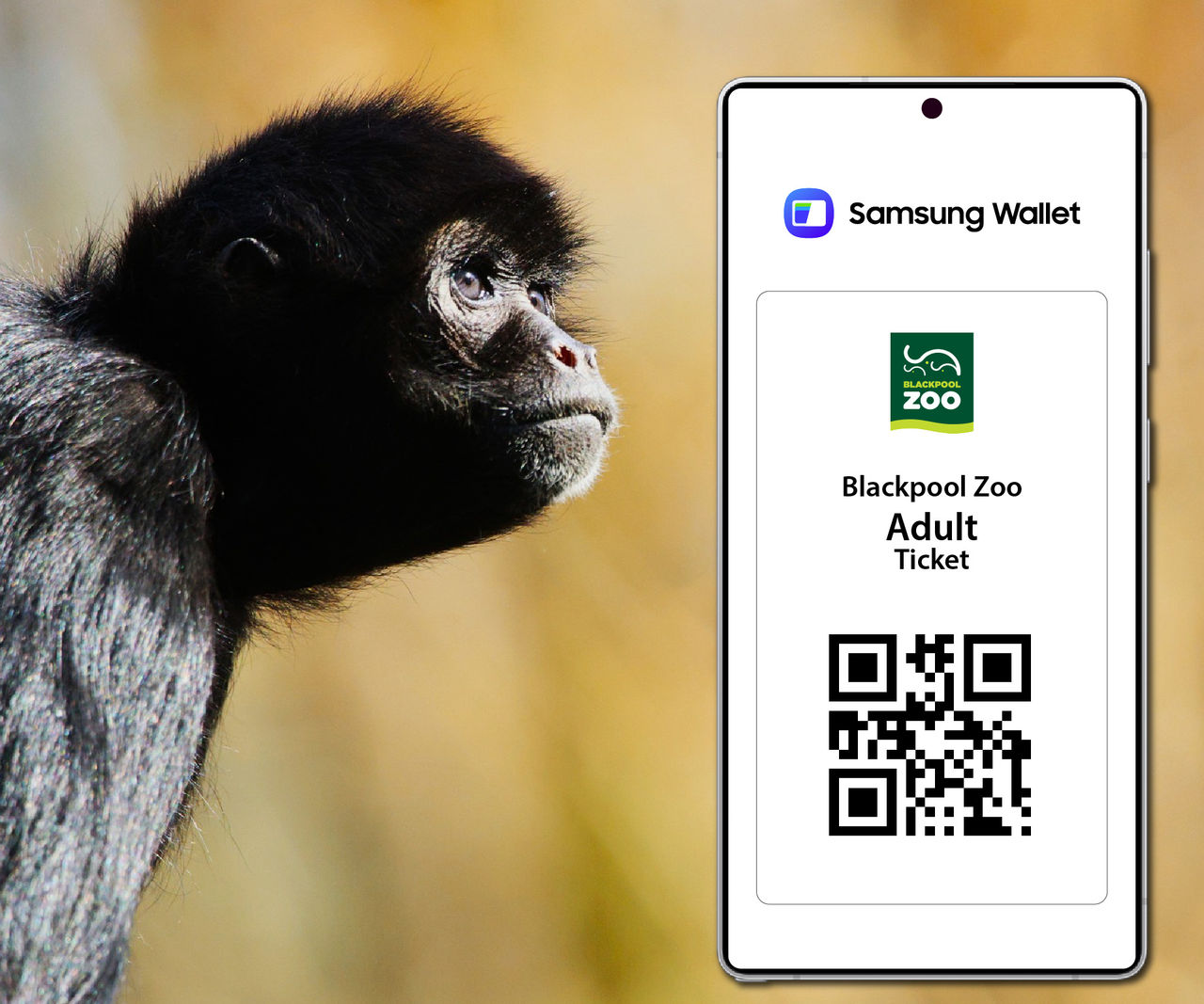
If you're a Samsung user, you can now purchase tickets using Samsung Pay and add your zoo tickets to your Samsung Wallet, where they will be stored in one place. When you arrive at the zoo, open your Samsung Wallet app and scan your tickets at Admissions for quick and easy entry.
Samsung Wallet is a digital wallet where you can store digital items such as tickets. This means you no longer have to search through your emails, as your tickets are saved in your Samsung Wallet, which is easily accessible at anytime.
How to Add Your Zoo Tickets to Samsung Wallet
Buy your tickets online as usual - you can purchase your tickets using Samsung Pay if you're using a compatible Samsung device.
Download the Samsung Wallet app from your app store if you don’t already have it.
After purchasing, you’ll see an option to add your tickets to Samsung Wallet. This will appear both on the purchase confirmation page and in your confirmation email.
Select “Add to Wallet” and follow the simple on-screen steps.
That’s it! Your zoo tickets will be securely stored in the Samsung Wallet, ready to scan when you arrive.
Please note, Samsung Wallet is only available for Samsung users.
If you're not a Samsung user, you can also download tickets to your Google Wallet or Apple Wallet.